A teleprompter that listens
A teleprompter, camera and editor in one iOS and iPad app — where the script moves only as fast as you speak.
A teleprompter, camera and editor in one iOS and iPad app — where the script moves only as fast as you speak, and a take goes from recorded to finished without ever leaving the app.
- What we delivered
- Product strategyUX & UI designOn-device speech & video engineeringDesign systemLaunch
- Year
- 2026
- Role
- End to end
- Scope
- Design · Build · Launch
- Platforms
- iOS · iPad
The challenge
Most teleprompters scroll on a fixed timer, so you chase the text or wait for it, and the read looks like a read. And once you've recorded, you leave the app to cut and caption. Both problems had to go.
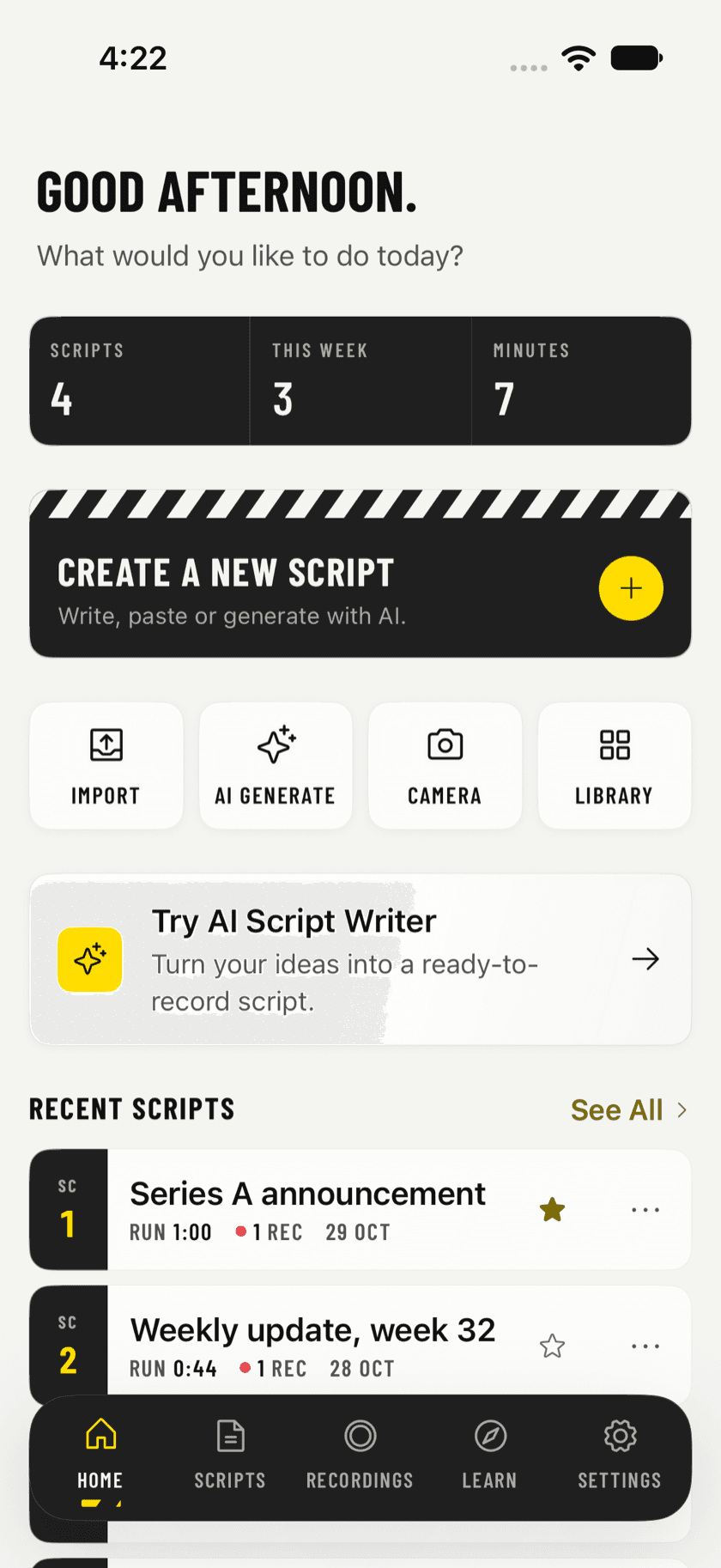
The script listens
Fixed-timer prompters make you chase the text or wait for it, and the read looks like a read. We built voice-following scroll: the line you just spoke stays in the middle of the panel, and the script waits when you stop. The pace is yours.
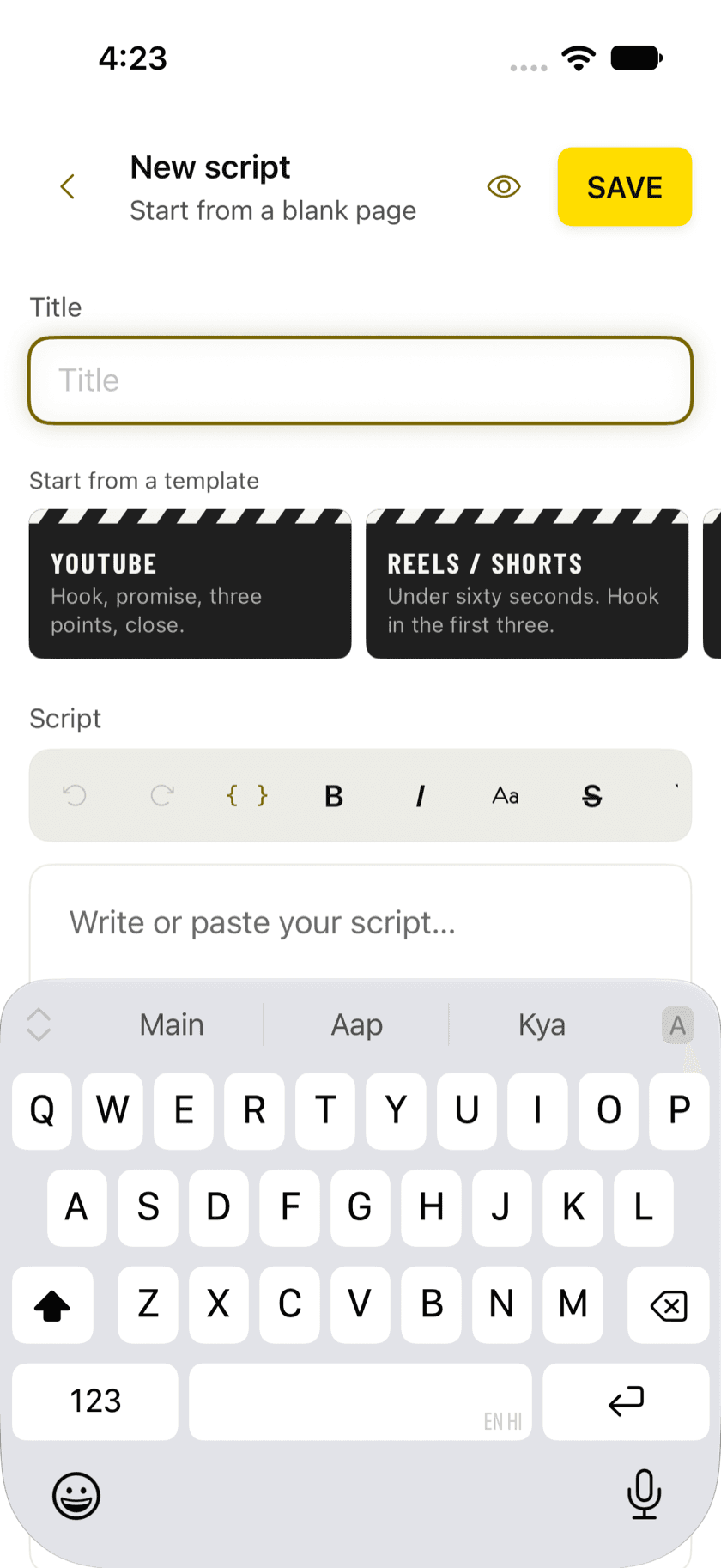
Invisible to the lens
A translucent overlay sits right by the lens with the reading line near the top, where a viewer can't tell you're reading — plus a mirrored mode for teleprompter glass. On device, scripts stay private.
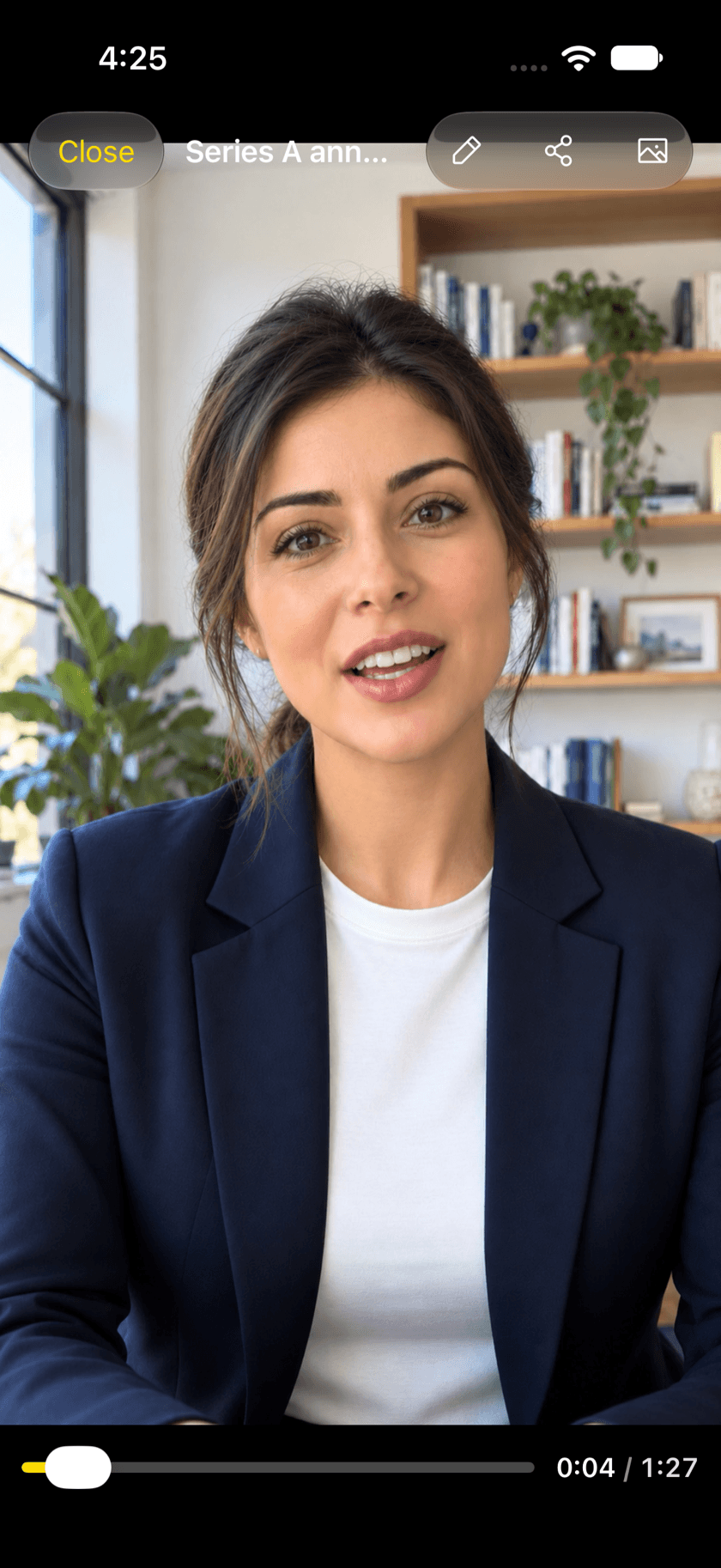
Recorded to finished, in one flow
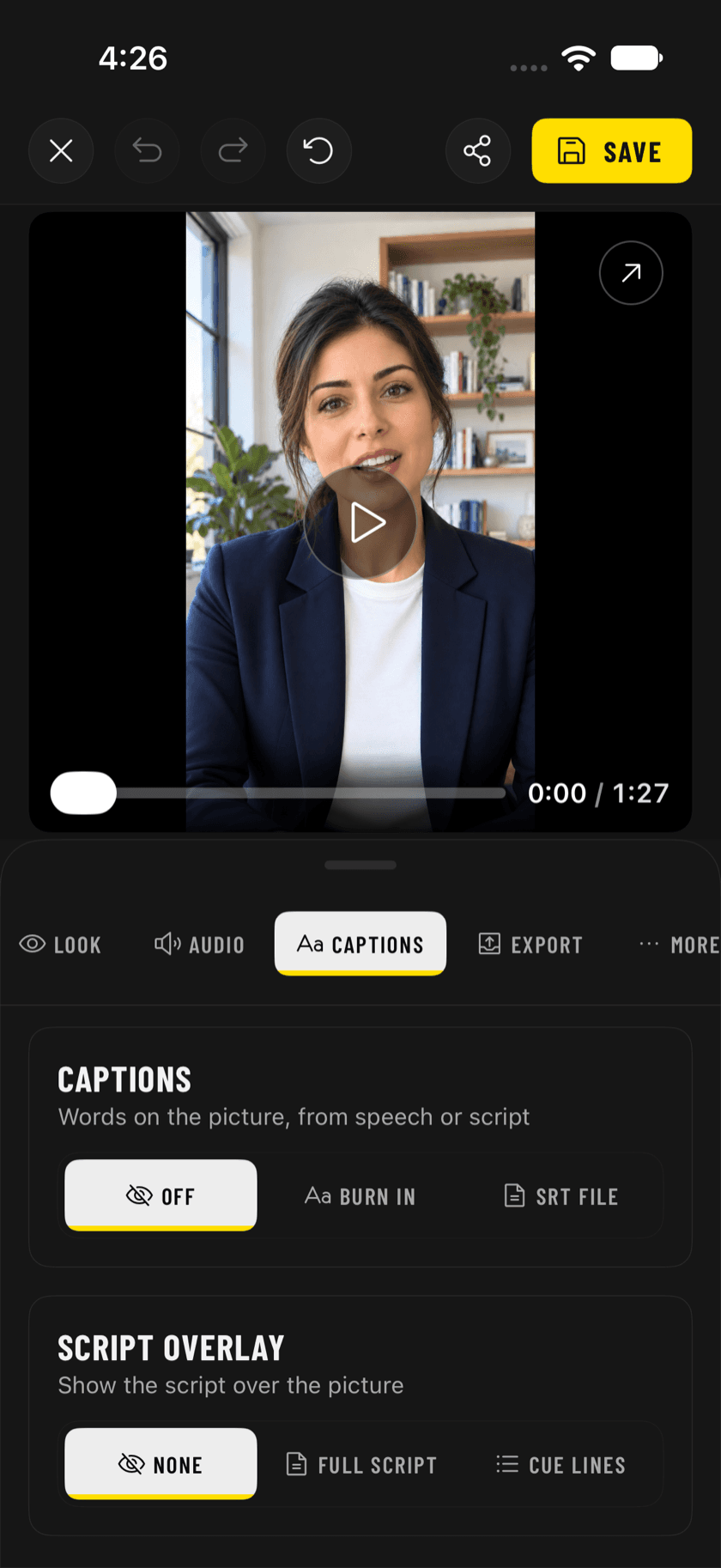
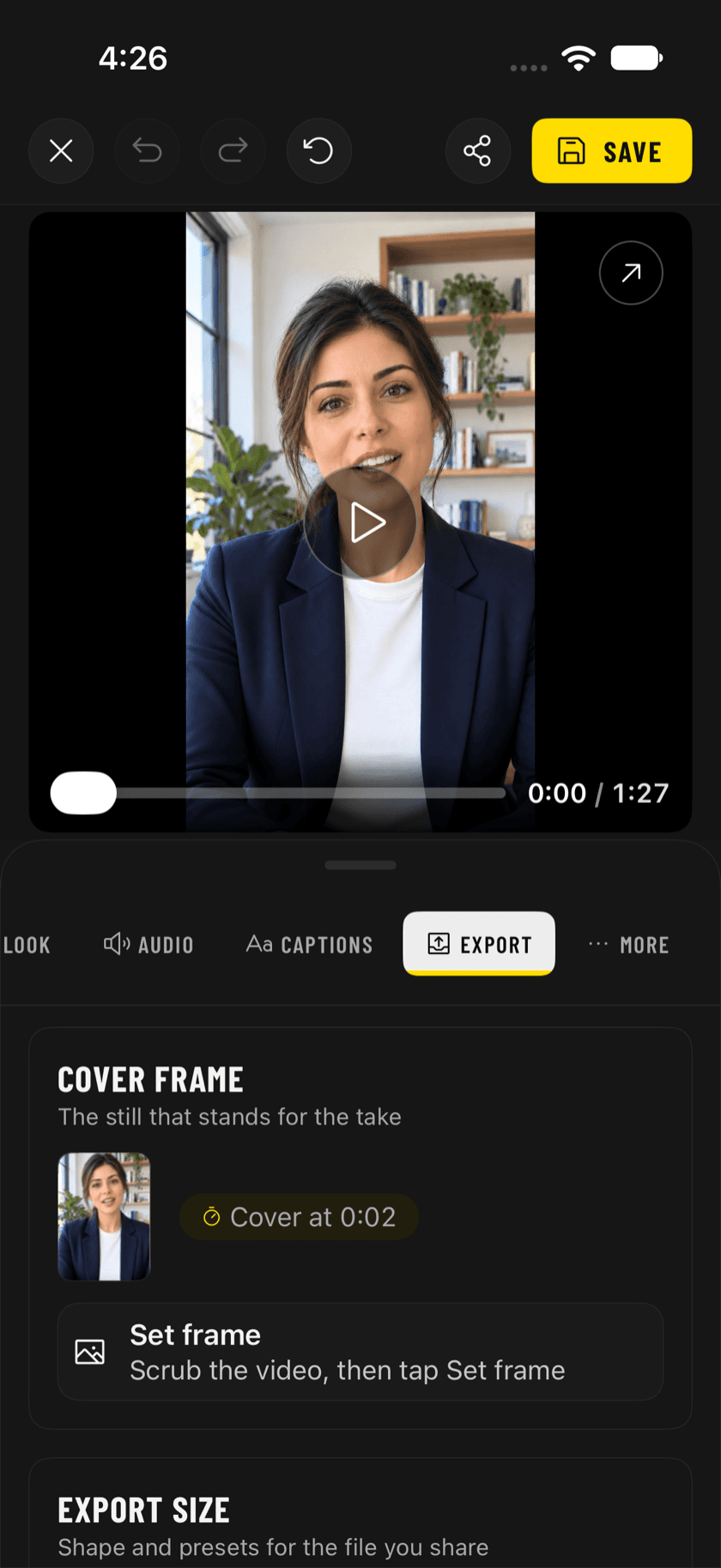
The whole pipeline folds into a single app: trim, remove silence, jump cuts, colour looks, reframing, then captions from your speech or your script, and export in portrait, square or landscape. No export dance between tools.
How we did it
- 01
Built voice-following scroll: the line you just spoke stays in the middle of the panel, and the script waits when you stop — so the pace is yours.
- 02
Designed a translucent overlay that sits by the lens with the reading line near the top, where a viewer can't tell you're reading, and a mirrored mode for teleprompter glass.
- 03
Folded the whole pipeline into one app — trim, remove silence, jump cuts, colour looks, reframing — so a take goes from recorded to finished without an export dance.
- 04
Added captions from your speech or your script, audio clean-up and export in portrait, square or landscape, with scripts kept private on device.
The outcome
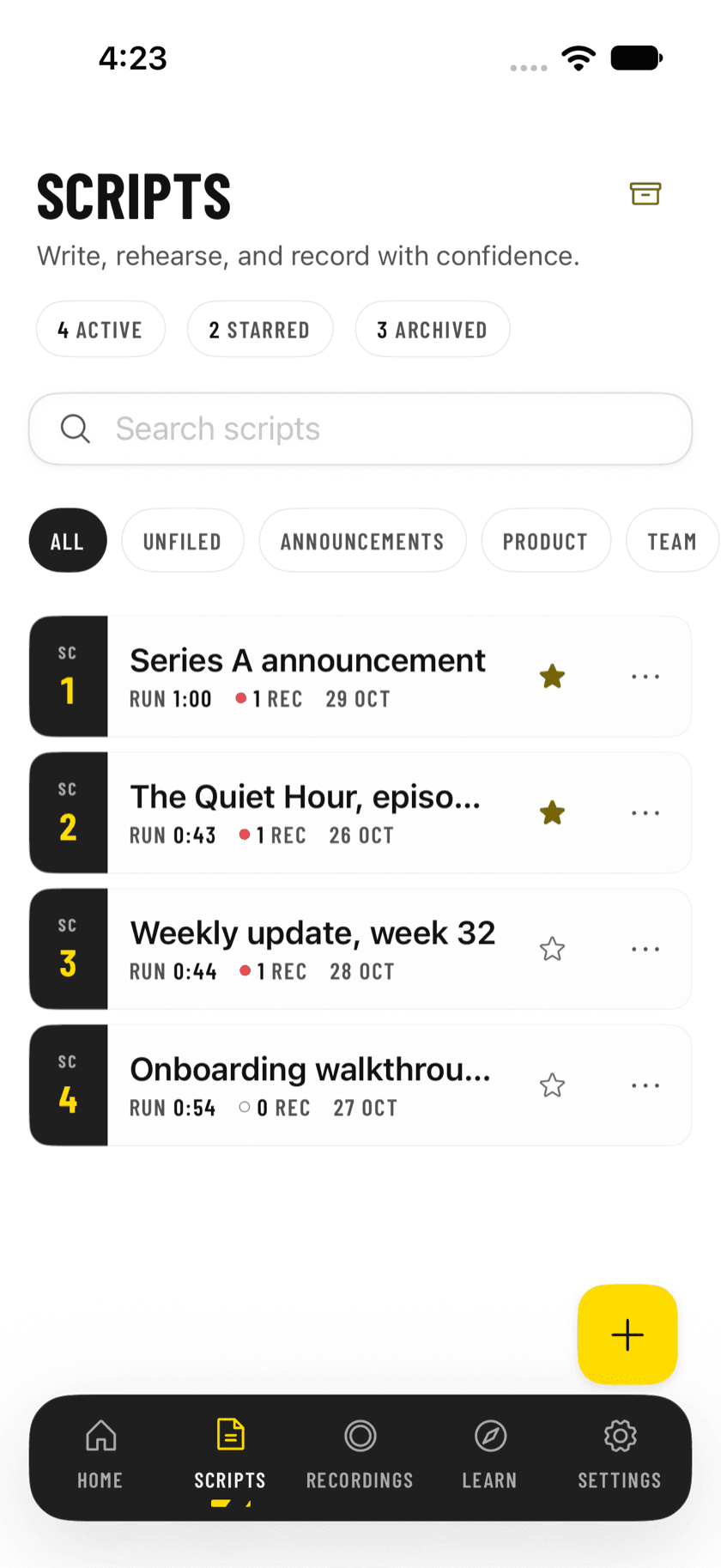
An app that turns reading-to-camera from a chore into a single calm flow, and keeps writing, recording, editing and captioning in one place. Live on the App Store for iPhone and iPad.