A note app rebuilt from nothing
A complete native rewrite of a notes, writing and drawing app for iPhone, iPad and Mac — fast enough to disappear, deep enough to live in.
A complete, native rewrite of a notes, writing and drawing app for iPhone, iPad and Mac — fast enough to disappear, deep enough to live in. Design, product and engineering, end to end.
- What we delivered
- Product strategyUX & UI designNative engineering (iOS · iPad · Mac)Design systemLaunch
- Year
- 2026
- Role
- End to end
- Scope
- Design · Build · Launch
- Platforms
- iOS · iPad · Mac
The challenge
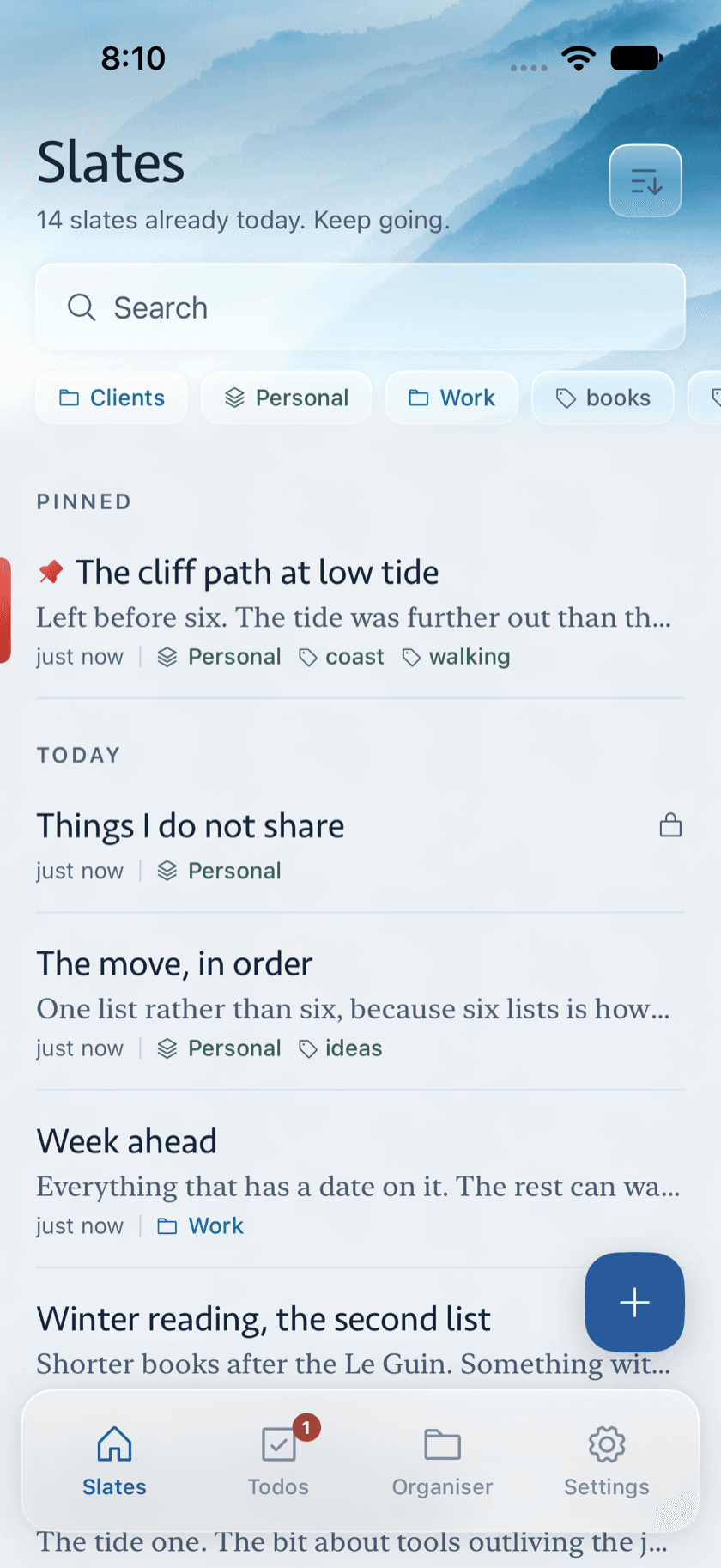
Note apps collapse under their own weight: either they overwhelm you with chrome or they stutter the moment a library gets real. Zen Slate had to stay calm and empty-feeling while quietly scaling to hundreds of documents, full rich text, Apple Pencil, media and to-dos.
Speed is a feature
Most note apps stutter the moment a library gets real. We rewrote Zen Slate natively from nothing so it opens instantly and scrolls eight hundred slates without a hitch. Speed here is a design decision, not an afterthought.
A surface that gets out of the way
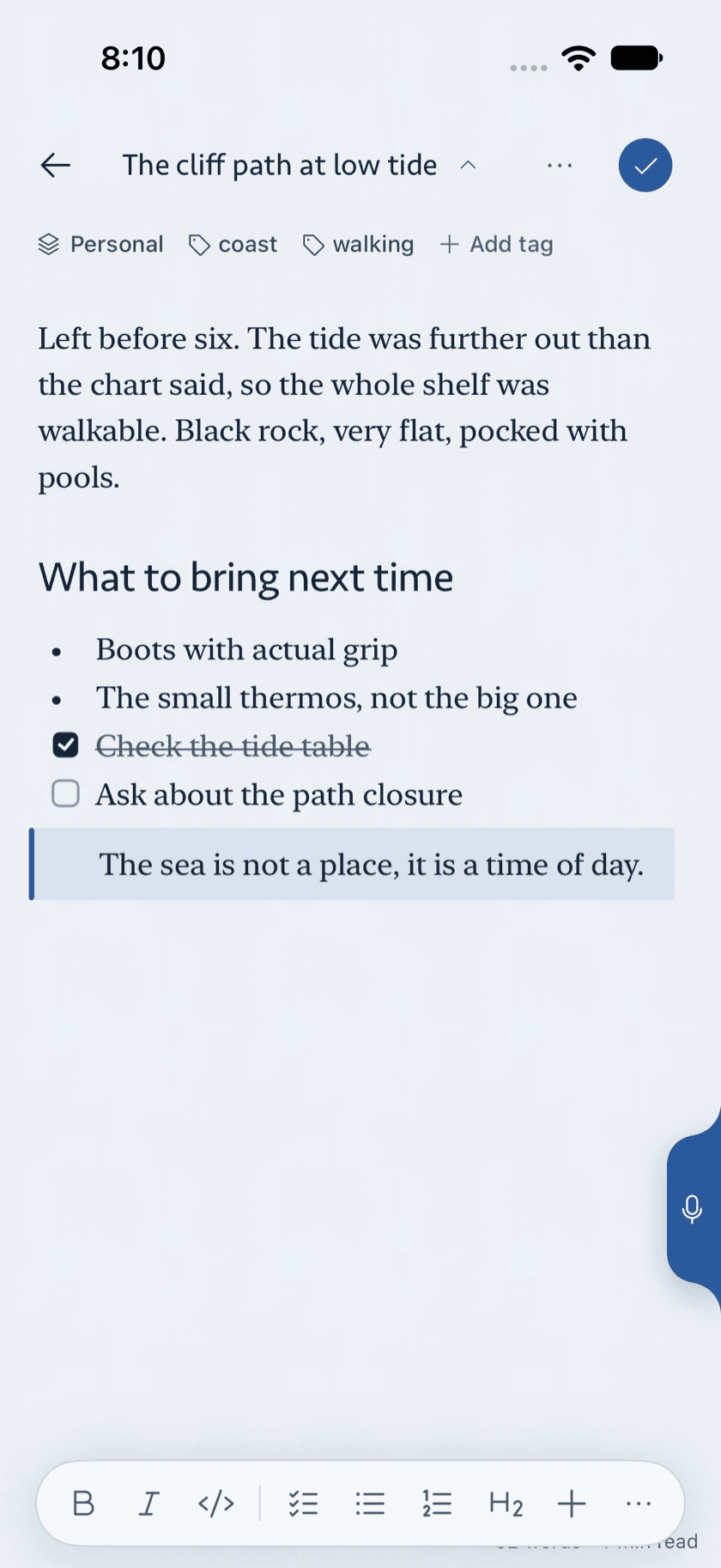
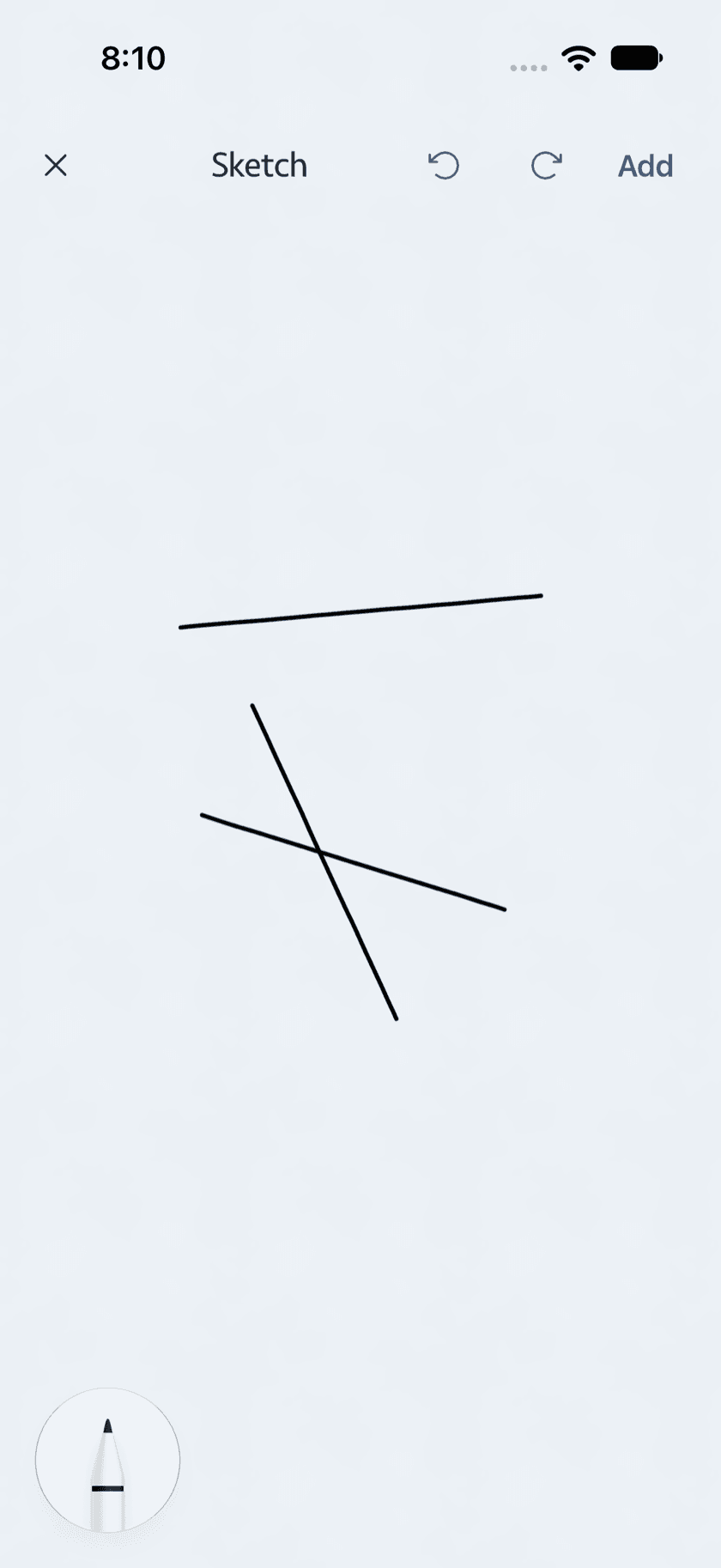
The writing surface stays calm and empty-feeling: focus mode, a live word count tucked in the corner, the line you're writing held at a fixed height, and full rich text when you need it. Apple Pencil gets the complete set — pen, marker, highlighter, lasso, ruler — on a full-screen canvas.
Notes and to-dos, together
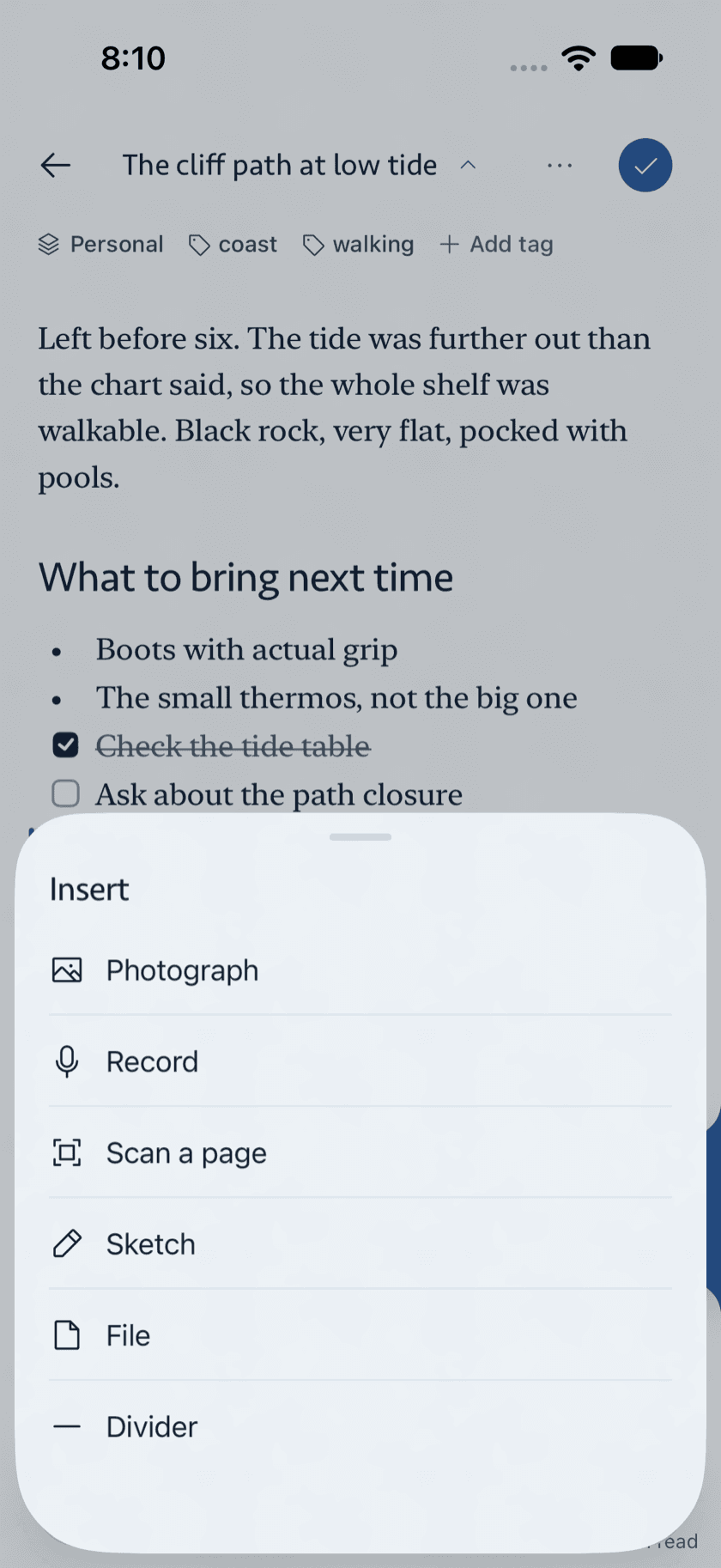
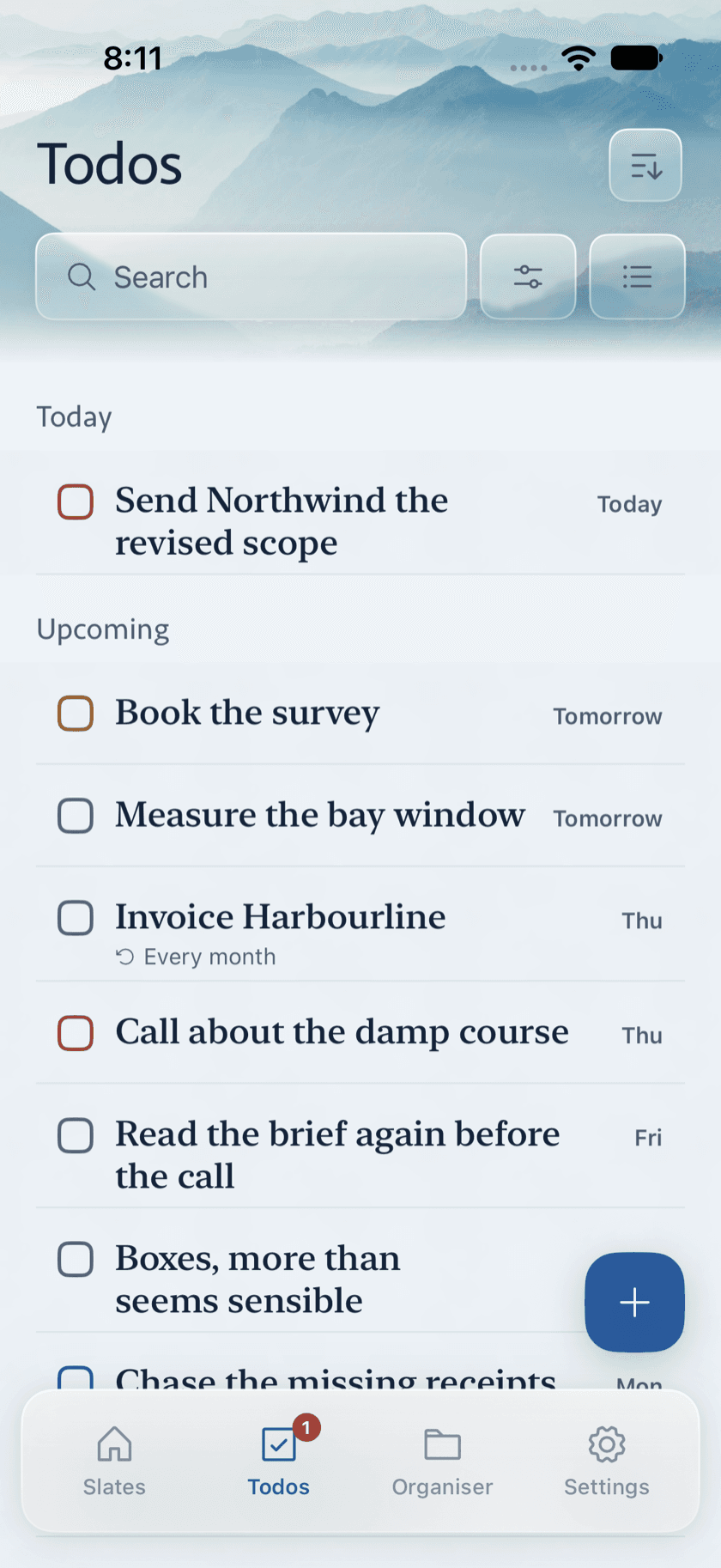
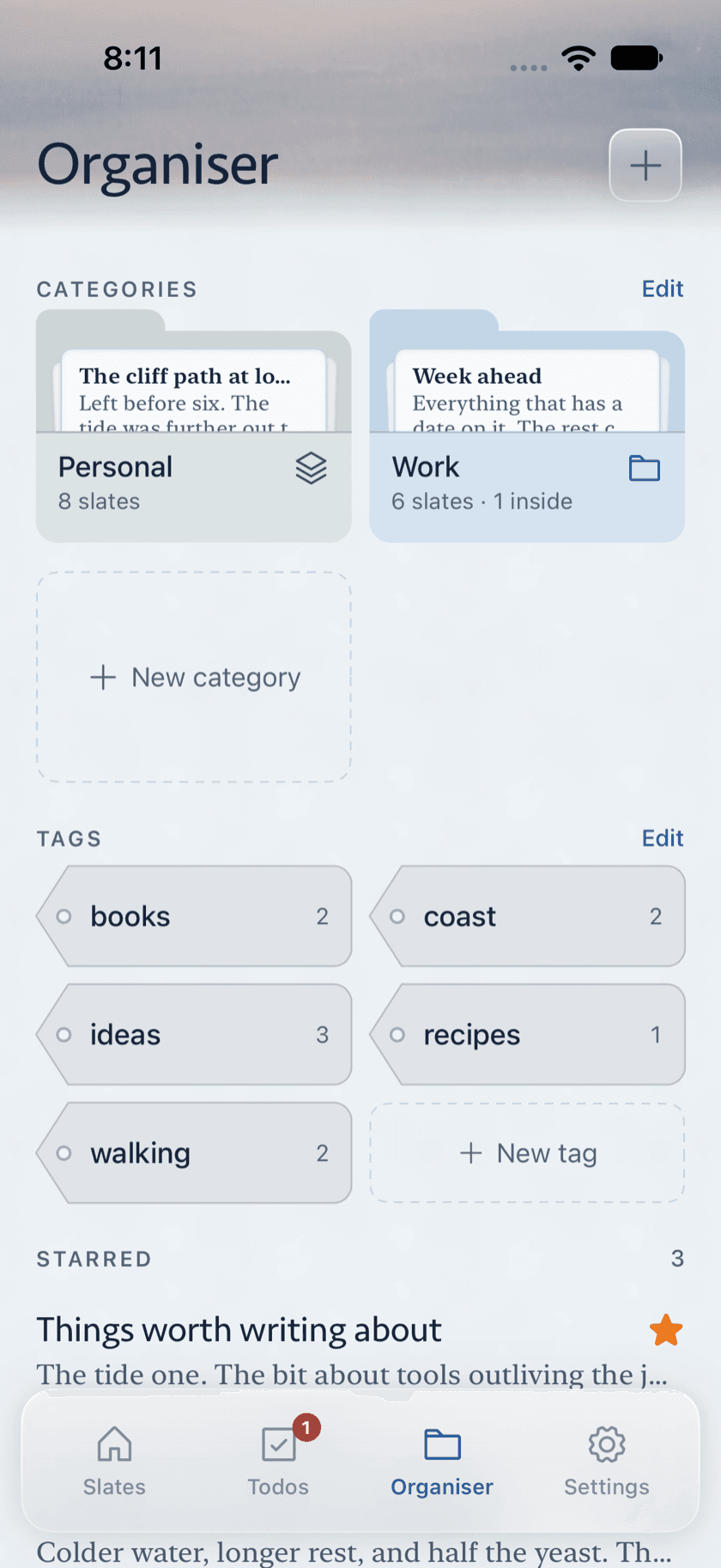
To-dos are real here: a checklist inside a note carries a date, priority and reminder, then surfaces in one list and a month view beside everything else. Double-bracket links tie slates together, so a library grows into something navigable instead of a flat pile.
How we did it
- 01
Rewrote the app natively from the ground up so it opens instantly and scrolls long documents without a hitch — speed as a design decision, not an afterthought.
- 02
Designed a writing surface that gets out of the way: focus mode, a live word count tucked in the corner, the line you're writing held at a fixed height.
- 03
Gave Apple Pencil the full set — pen, marker, highlighter, lasso, ruler — on a full-screen canvas, with sketches that stay editable later.
- 04
Made to-dos real: a checklist inside a note carries a date, priority and reminder, and surfaces in one list and a month view beside everything else.
The outcome
A notes app that scales to eight hundred slates without becoming a flat list, links notes with double brackets, and still feels like a blank page. Live on the App Store across iPhone, iPad and Mac — proof that restraint and depth aren't a trade-off when the craft is there.